
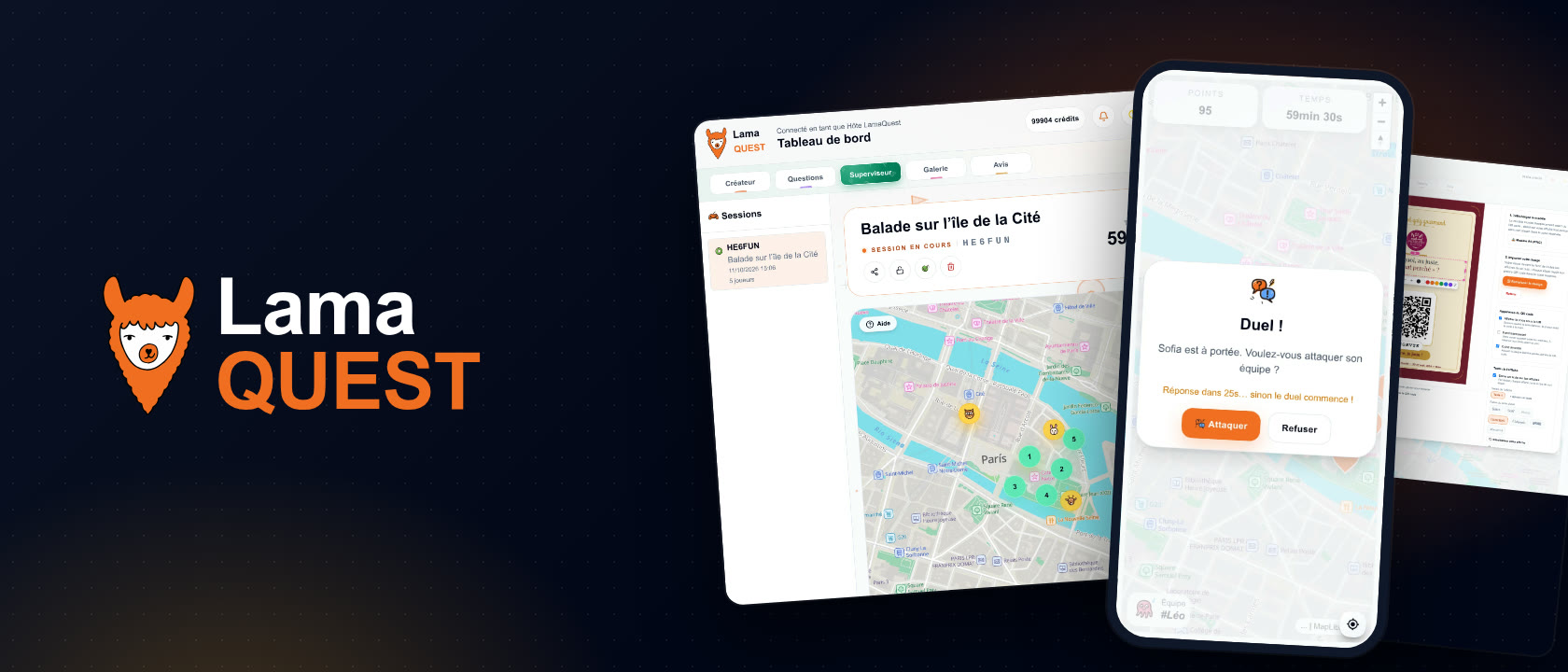
One tool serves three trades, but not with the same settings. In team building, people play in teams under the eye of a host. An agency wants a course it can sell and run again from one client to the next. A tourist office wants a course visitors play on their own, with no app. Here is how to set LamaQuest up for each of them.
The basic steps, from the first question to launching the game, are covered in our tutorial to create a smartphone scavenger hunt. This article starts from there and shows what changes for your line of work.
- Team building: get a team playing
- Event agency: a course you can resell
- Tourist office: a course with no host
- The settings side by side
Team building: get a team playing, not individuals
A successful team building makes colleagues who rarely talk agree with each other. So everything starts with the teams. Create them from the Supervisor once the session is open: participants pick theirs in the lobby, and you can move a player to another team at any time, even during the game.
Building the teams
- Three to five people per team: enough to debate, not so many that someone sits it out.
- Mix departments and levels of seniority: that is where the game builds connections.
- A team can play on a single phone, and then only uses one credit. If everyone plays on their own phone, the team’s score is the sum of its members.
The rules people talk about afterwards
- Photo challenges: an “Open response” question that accepts photos. A team photo by the fountain, a staged scene, an odd detail. You approve them live from the Supervisor, and the points land straight away.
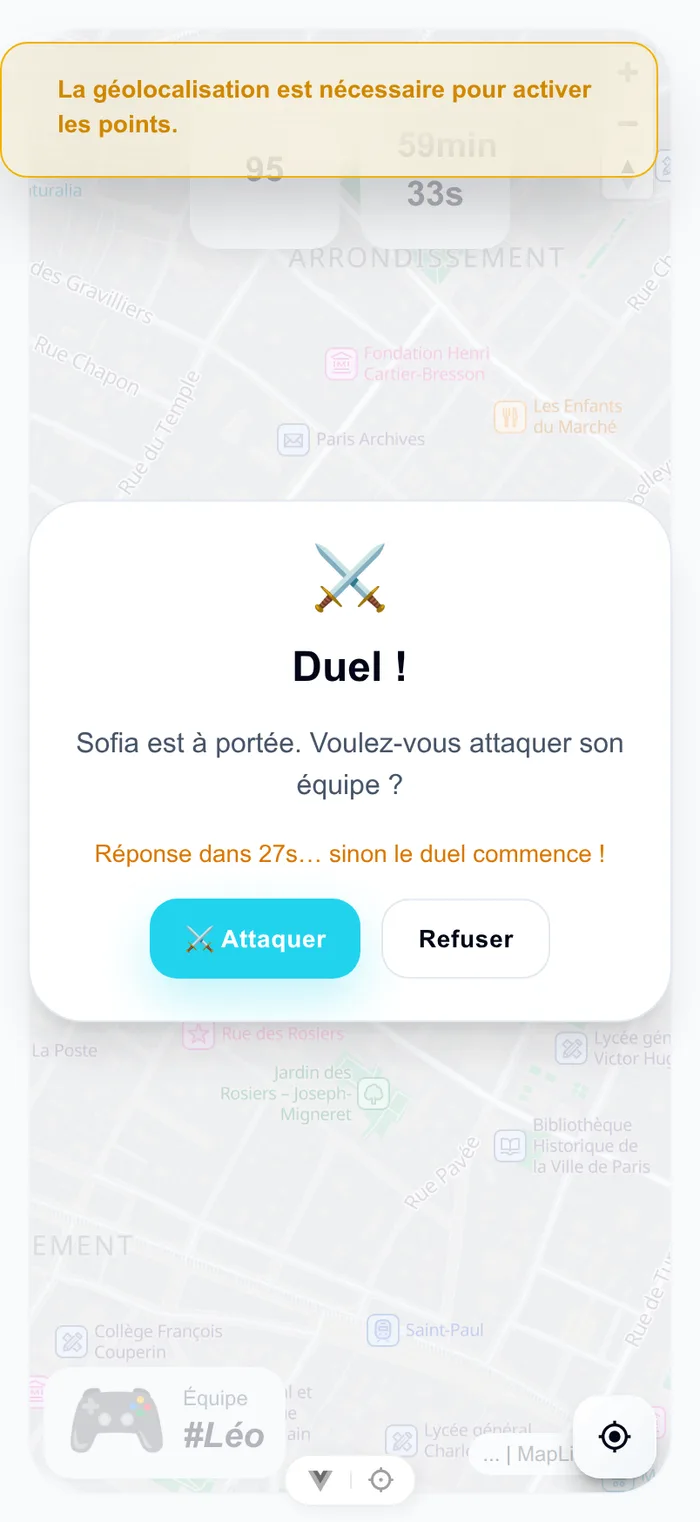
- Proximity duels: when two players cross paths, their phones offer them a general knowledge duel. Set the age to adults and tick “Players pick their topic”: each picks a topic out of three.
- Powers, so a team that falls behind has a way back: freeze opponents, take points from them.
- The final question, which can turn the leaderboard upside down in the last minute.
At the end, every phone shows the podium, replays the race of the scores in eight seconds and hands out the trophies. The “Gallery” tab keeps every photo of the game, ready to download for internal communication, and the “Reviews” tab collects participants’ feedback. This data is deleted six months after the game, and players only give a nickname, never their name or email address.
The budget is counted per phone: 40 colleagues in teams of four on one phone means 10 credits. The minimum purchase is 20 credits, so €160, and the 10 left over are there for next time, since credits never expire. If everyone plays on their own phone, you need 40 credits, so €320.
Event agency: a course you can resell and run again
For an agency, a course is a product. You prepare it once and run it again for each client, and its cost has to fit on one line of a quote.
Prepare once, run it for every client
- One session per group: a quiz keeps its stops, options and powers. Each client gets their own session, code and leaderboard.
- Duplicate to adapt: to customise a course without touching the original, duplicate the quiz, with or without its stops.
- The question bank: every question you write can be reused from one course to another. Tags sort the bank by town or theme.
- Schedule the launch: the game starts on its own at the planned time, even while your host is still welcoming the group.
Dress the game in the client’s colours
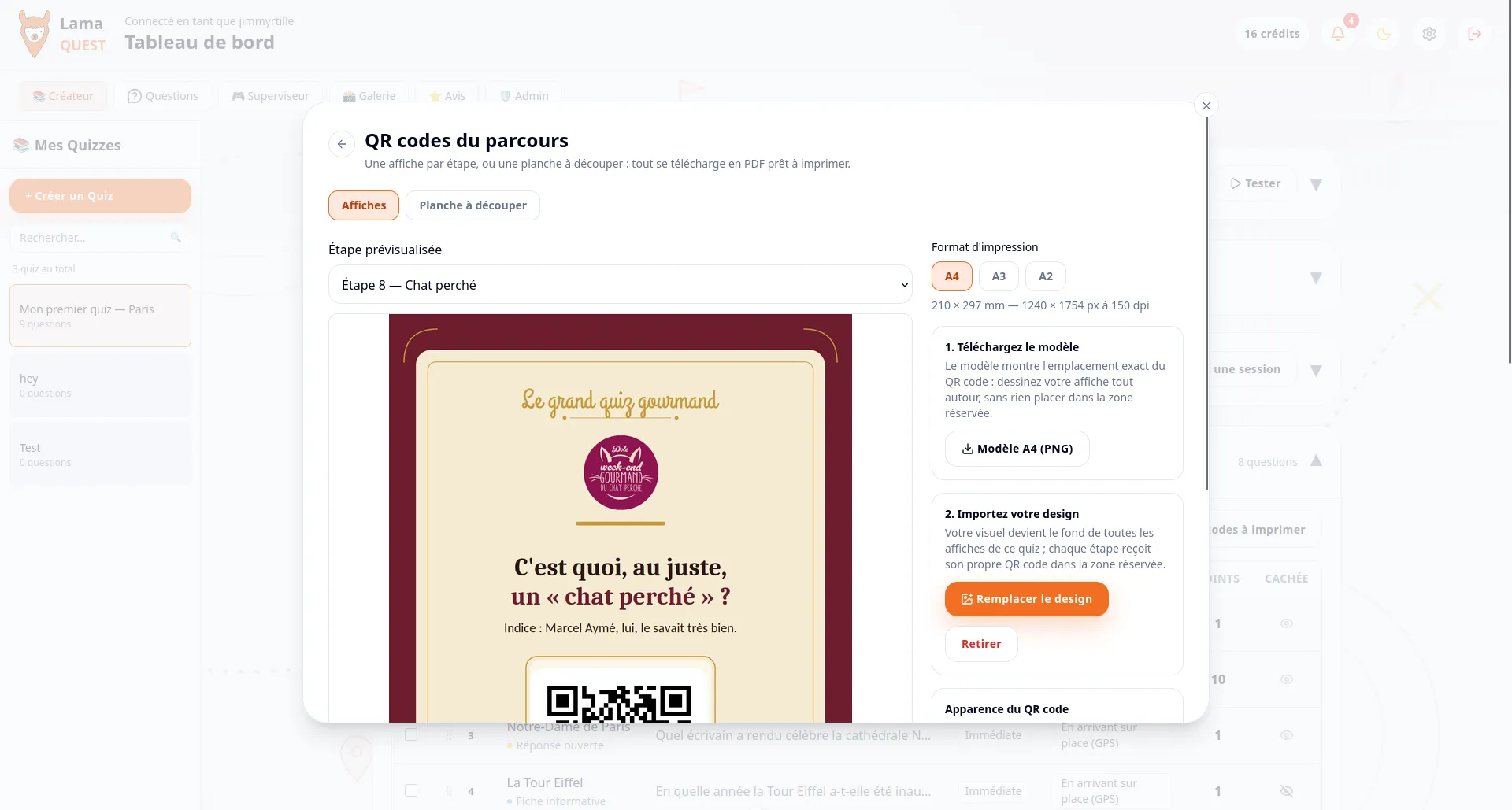
- The QR posters carry your client’s design as a background, with a text for each stop, in A4, A3 or A2.
- The start and end of game messages welcome the group and thank them in their own words.
- The meeting point: when the game ends, every phone guides the player to the place of the drinks or the prize-giving.
The cost per player is known in advance: €8 from 20 to 99 credits, €7.50 from 100, €7 from 500, €6.50 from 1,000, with no subscription. You bill the activity at the price you set. One participant more than announced is never turned away: they wait in a waiting room and come in as soon as you top up. For large events, the app has been tested with 2,000 simultaneous players.
During the game, your host follows everything from the Supervisor: players on the map, photos to approve, the leaderboard. They can message a player to give a team a nudge. The page for event agencies describes the offer.
Tourist office: a course visitors play on their own
A tourist office wants a course that runs with nobody hosting it. The key is the self-service session: tick “Self-service” when you create the session. Open responses are then approved automatically, and nobody needs to watch a screen.
Posters around town, and nothing to download
- Stops open with a QR code: set them to “By scanning the QR code”, or to “GPS or QR code” to keep both. Posters go in front of each monument, in a partner’s shop window, on a sign.
- Passers-by scan and play, with no account and no app. They play anonymously at first, and join the leaderboard if they choose a nickname.
- The posters stay valid from one session to the next: they always lead to the game running on that course. A session lasts up to seven days; schedule the next ones to cover the whole season.
- Navigation to the points draws the walking route to the next stop.
Write questions that make people look up at the heritage around them: the date on a facade, the coat of arms above a door. Put the story of the place in the “Message after answering”: that is what visitors will remember. An “Information sheet” works as a stop that tells a story without asking anything.
A game is played in a single language, chosen when the session is created among the quiz’s languages, and it can be changed during the game. For a course open all season or for large crowds, get in touch: the page for tourist offices and towns presents the offer and the quote.
The settings side by side
| Setting | Team building | Agency | Tourist office |
|---|---|---|---|
| Session | Hosted live | Hosted, scheduled | Self-service |
| How stops open | GPS | GPS, QR depending on the place | QR code, or GPS or QR code |
| Teams | Yes, mixed | Depending on the client | No |
| Powers and duels | Yes | Yes | Optional |
| Photo challenges | Approved live | Approved live | Approved automatically |
| What stays afterwards | Gallery, reviews, trophies | The course, ready to duplicate | The posters, valid from one session to the next |
Frequently asked questions
How many participants can play?
There is no cap: each participant uses one credit, and a participant your balance doesn’t cover waits in a waiting room instead of being turned away. The app has been tested with 2,000 simultaneous players. Beyond that, write to us for a quote tailored to your event.
Can I add a client’s or a town’s logo?
Yes, on the posters: you set your own design as the background, the QR code goes on top and each poster carries its own text. The start and end of game messages can also be written for the client. The app itself keeps the LamaQuest look.
Can a tourist trail stay open all year?
The posters can: they stay valid from one session to the next and always lead to the game running on that course. A session lasts up to seven days, and the following ones can be scheduled in advance. For a permanent trail, write to us: we prepare a quote based on the expected number of visitors.
What happens to participants’ data?
Players only give a nickname, never their name or email address. Everything a game produces, scores, photos, messages and routes, is deleted automatically six months after it ends. Download the photos you want to keep before then.
Your account starts with 3 free credits: enough to build a first course and have three colleagues test it before you offer it.
Ready to turn your town into a playground?
Build your first course for free. Your players are only waiting for the code.
No credit card required